Digital Card Making with PSP

I love making my own greetings cards and thought that the card challenges would be a lot of fun. I have a lot of paper and pens...and the other things one would need to make great cards. I found myself trying to keep up with what is new on the market... then I realize all the stuff, the papers, glue, and stamps were getting very costly and I was running out of space to store it all.

That is when I decided to make elements for my cards in Paint Shop Pro aka PSP. PSP is a software that I have been teaching myself since version 3. Now using version 13 I have learned that the program can also create images and paint them as well. Light bulb went off...why not use it to make my cards and not just some elements for the cards. And so digital card making began for me...and boy has it saved me money.

This blog now consist of my creations that I have made using nothing but PSP. I found the challenge for me is to teach myself how to meet the different card challenges within PSP.

Well that is how all this digital stuff began...Just thought I share.

Jaggs

Showing posts with label 365 card. Show all posts

Thursday, October 15, 2009

365 Card Challenge - Colors Scheme

Today's challenge is a color scheme...you will find the required colorshere.

Because Torendi means trendy in Japanese and Torendi is the host for this week at 365 Cards I decide to go with a Japanese theme on this card...using the chosen colors of course. I have several Kimono sewing patterns in my stash, so I thought I would use an image of one as my focal point.

I decided to create my own digi paper for today's challenge using the required colors...that is another thing I like about PSP, it allows me to create. The challenge has been met, my card is done.

Wednesday, October 14, 2009

365 Card Challenge - Same, but Different

Because of the different digi kits that I have this challenge was easy for me. The challenge is to use at least 2 papers that have the same pattern but are different in color. In the digi kits you will often find digi papers with the same pattern but different in color. The difficulty came in when trying to choose which kit I was going to use, the other day I download about 10 additional kits. Anyway I made my choice and the challenge has been met...my card is done.


If you are interested the sentiment reads: "Comfy jammies, cozy bed, big soft pillow for your head. Worry not, the world can wait. Take your time Recuperate. Hope you're feeling better soon!"

Tuesday, October 13, 2009

365 Card Challenge - In Motion

The challenge is to create motion on your card. To create motion using PSP I elected to use the motion blur. Just looking at the image you get the feeling of movement.

Sunday, October 11, 2009

365 Card Challenge - Super Sketchy Sunday

My favorite card day. Here is the sketch.

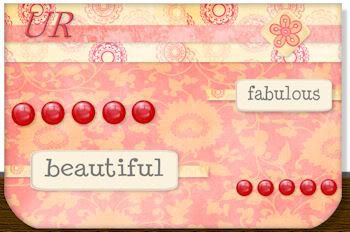
I decided to use a digi kit for most of the card. The kit is produce by gottapixel.com. I decided to use three of the papers, two sentiment labels and the flower brads from the kit. The spheres were from tubes within PSP, I just resized them. The challenge has been met my card is done.

Saturday, October 10, 2009

365 Card Challenge - Two Techniques

For this challenge I am not sure what Pam meant by two techniques. What I understand the challenge to be, you are required to use a cut image, shape or whatever and layer it on your card to create distance.

I have two images, one of a snowman from a coloring book page and another of a winter scene which is actually a digi frame. I layered the snowman in the foreground on top of the winter scene and added shadowing. The winter scene, now the background does appear to be in the distance. I do hope this represents the challenge. The challenge has been met (I think), my card is done.

Friday, October 9, 2009

365 Card Challenge - In the Shadows

I use shadows all the time when making my cards. Shadowing helps to show depth if used correctly in digital card making. With this challenge it is all about the shadows so I decided to offset the shadows quite a bit to emphasis. The challenge has been met the card is done.

Thursday, October 8, 2009

365 Card Challenge - Pick 5

Pick five elements for your card. They can be papers, embellishments, or sentiment, but it must be just 5.

For my 5 I have chosen:
2 papers
3 buttons (with text)

Wednesday, October 7, 2009

365 Card Challenge - Imagine This: Denim

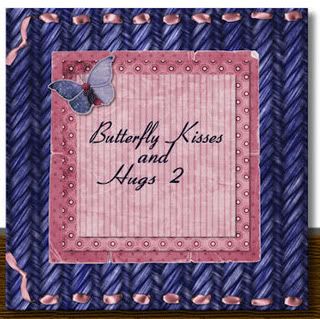
Denim is the word for today over at 365 Cards...how does denim inspire you? . I have added the standard denim fabric to other cards that I have made so I wanted to do something different this time. This time I decided to use a none standard denim fabric. I also am using a digi packet from katnkda.com called berrylish. I have used part of the kit on other cards that I made. This time I chose to use the butterfly, ribbon and 3 different papers from the kit. That is what I meant by using the parts of the digi kits over and over from a comment in an earlier post. The challenge has been met my card is done.

Tuesday, October 6, 2009

365 Card Challenge - In Stitches

I taught myself something new with this challenge. Thanks Pam, I always enjoy learning something new. The challenge is to include cross stitching on the card...again something I have not done before in PSP. I knew what the stitches were suppose to look like...back in the day I did a lot of it. After figuring out how to make it work, I contemplated making Aida cloth and cross stitching something on it within the program...but that would take way to long. The packet I chose to use for this challenge is called watermelon from http://emsarts.blogspot.com. I have met the challenge and my card is complete.

Monday, October 5, 2009

365 Card Challenge - In and Out

A new challenge for me! Weaving...I have not tried this in PSP yet but it should not be that difficult...I hope! This was a tedious task but I got it done.

Saturday, October 3, 2009

365 Card Challenge - Stampin' Saturday

Today's challenge is to stamp a background pattern the same color as the card stock.

As you all know I am a digital card maker using PaintShopPro as my tool for making the cards. So for this challenge I chose a pattern digi paper as my main card stock. I picked a color from that paper to apply a second layer of card stock and to this layer is where I stamped my background pattern. All and all the challenge has been met and my card is done!

Even though today is Card Making Day...I think I am going to take this beautiful fall day and go and rake some leaves. Maybe later I will come in and make some more cards. Enjoy your day making cards or what ever!

Hugs,
Jaggs

Friday, October 2, 2009

365 Card Challenge - Ad Inspired

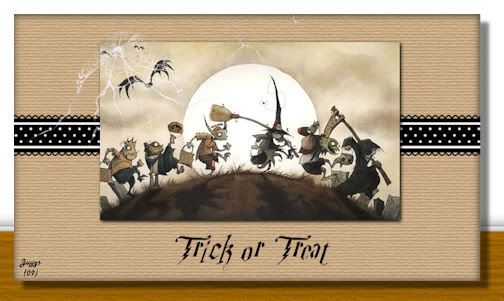
When I saw the ad for today's challenge I thought of two things...since it is October Halloween came to mind and all the little ones racing up and down the street with their treat bags in hand. The polka dots stood out as well.

Here is the results of my thoughts.

Thursday, October 1, 2009

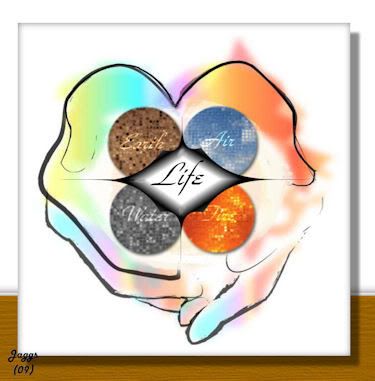
365 Card Challenge - 4 Elements Two

Okay this is what's up...I submitted a challenge earlier today and a friend look at it and did not see what was there. He did not noticed that the elements were being held by open hands. Well I figure if he did not see it a lot of others would not as well. So any ways I decided to replace it with another card. Well that did not work either because others had commented on the first card before I could delete it.

After all is said and done here is the new card anyway!

365 Card Challenge - 4 Elements

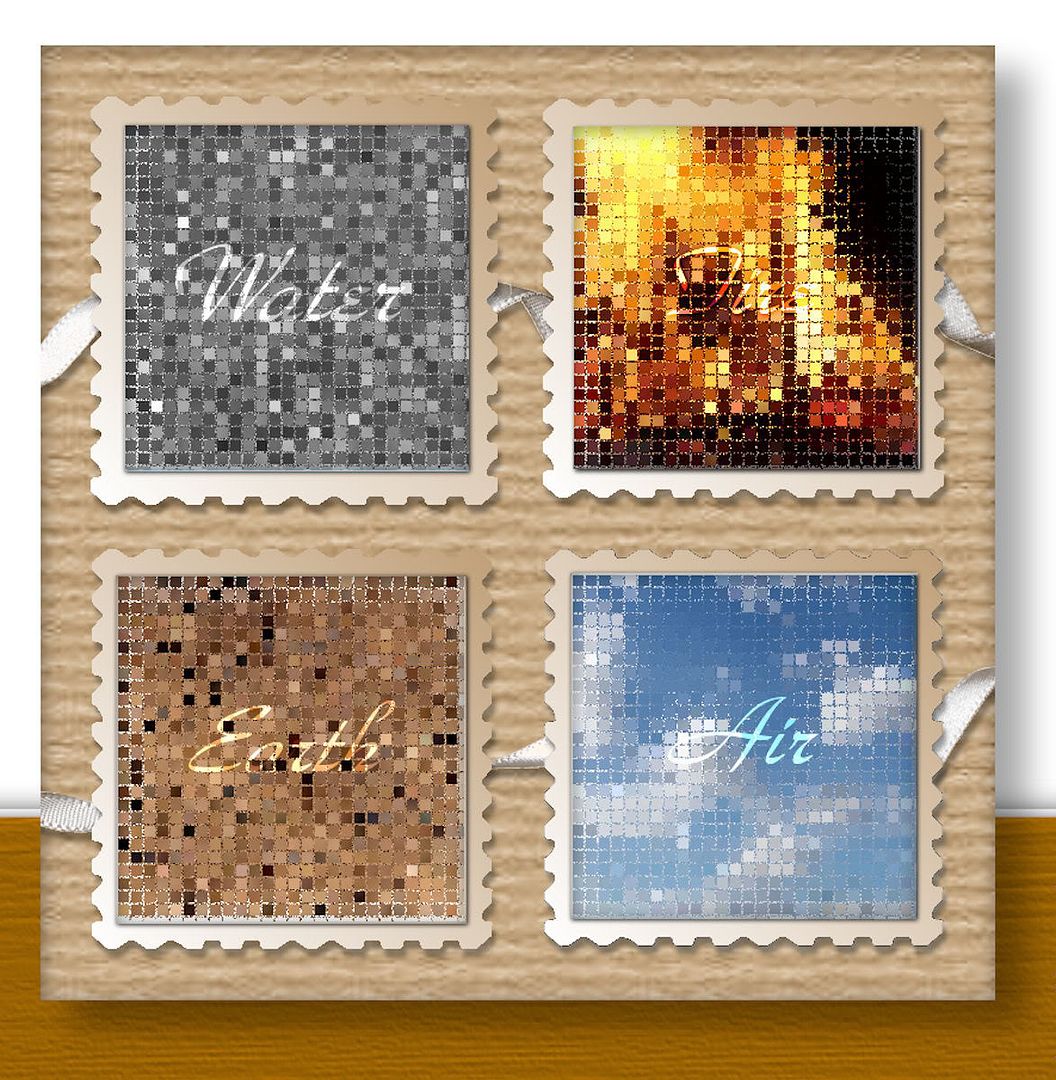
Wow it is October and the beginning of a new month at 365 Cards. Well the site started the challenges off with a bang. In my opinion this was not an easy task. I was thinking to hard again I suppose. Anyway the challenge is to divide your card into four parts representing the four elements.

I once again decided to go with the mosaic effect. I applied it to each element image sphere which I created. I place the spheres on the card, but it was missing something. I am making this to hard...doh! Anyway...it was the background, right now it is just plain white with four colored spheres. I checked in my click art program and found a background that I thought would be perfect. It worked!

This was wild. I had the image completed and was about to upload it when I realize the card was not divided into four sections. The elements were there all right but not actually divided. So I had to rethink everything. I like the image I had created and I really wanted to use it but how. Well I did a little slicing and dicing to get my 4 sections. The image is now divided...LOL Challenge met, my card is done!

Wednesday, September 30, 2009

365 Card Challenge - Challenge Combo

I am playing catch-up here. Going back over my cards for the month I noticed I missed one. Day 208 which is a challenge combo. For this challenge you are to use a challenge from June, July, and August and combine them on one card.

Here are my selections:
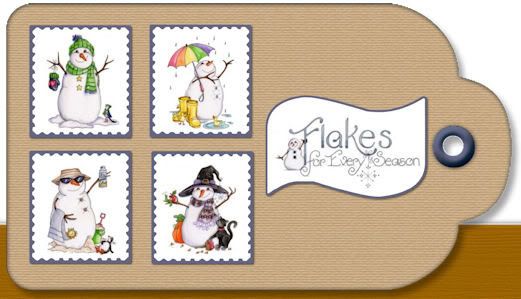
June...Four Seasons
July...Tag, you're it
August...What's your sign

I am sure you can clearly see the four seasons. The card itself is my tag and the sentiment is my sign. Challenge has been met and I am all caught-up! Yippee!!

365 Card Challenge - White Space

For this challenge, the last of the month, you are given a sketch to follow that includes white space. The end of September always brings the smell of crisp colorful leaves for me. That is where my thoughts went while creating this card.

Tuesday, September 29, 2009

365 Card Challenge - In Pieces

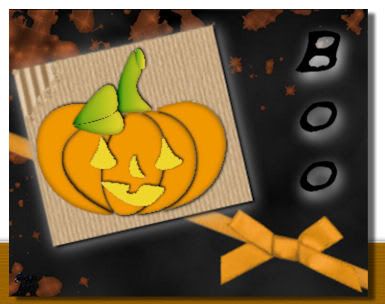
Wow this is different. I have done paper piecing before when I was doing cut and paste but not as a digi card. The pieces are of a jack-o-lantern that we are to assemble and place on the card.

Okay I have gotten the pieces done now for the rest of the card. I need a back drop and some embellishments. I think it is looking pretty good after all it is a Halloween card. Challenge has been met my card is done.

Monday, September 28, 2009

365 Card Challenge - On the Fringes

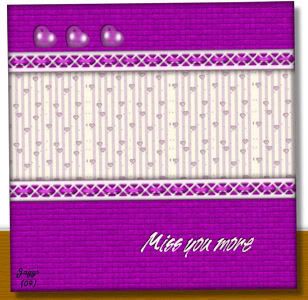
Wow...a new challenge for me in my digital embellishments. In this challenge we are to use fringe of some kind on 2 sides of the card. I did not have any fringe to speak of in my card supply folder...nor had I created any. I have done lace, ribbon, and ric rac, but no fringe.

I checked my brushes and found a lattice edge one...well kinda sorta. If I thread what appear to be ribbon through it I think it would work. I chose the papers I wanted to use and picked a color from it to make the ribbon. It looks pretty good. I made a glass heart from a bubble heart brush tip...copied and pasted it 3 times. Everything seem to come together. Challenge met (I taught myself something new again) and my card is done.

Sunday, September 27, 2009

Simon Says and 365 Cards Challenge - Super Sunday

I was making this card for the Simon Says Challenge and realize that it will work for the 365 Card Sketch Challenge as well. Simon Says Challenge we are to use stitiching on the card and 365 Card challenge is a sketch.

Last night while surfing I came across a website full of tutorials for PSP and one of them was how to stitch in a shape. I was floored. Just what I needed. I had always wanted to try it but did not know where to start. Now I got it down pat! Yippee!! Both challenges have been met my card is done.

I fell a sleep last night before I could finish exploring the new found website...so guess where I am going. You all enjoy your day. Check back later you may find some new cards that I just did for the fun of it all!